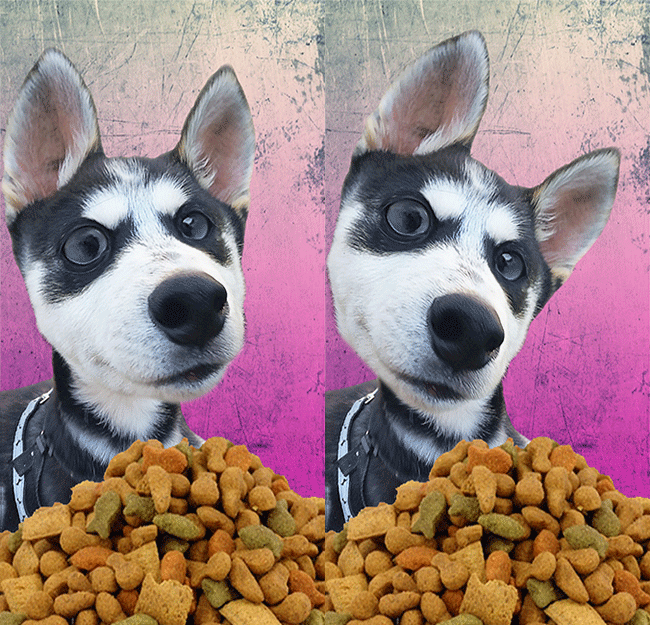
Why not create a happy husky bobble head?
Nothing is cuter than a puppy with big eyes and a tilting head. So I decided to combine those two things and create a bobble head. This puppy is a cutie named Bane who I got to play with for a couple of hours a few months ago. I had the funniest picture of him and had no idea what do with it. So I decided to create a bobblehead.
To do this, I blew up parts of my happy husky’s face in Photoshop to create a wide eyed and out-of-proportion effect. I then sharpened up the photo and cut out just his body from the grassy background he was originally on. Next, I created a new background using a gradient square and a texture overlay on top. I brought the happy husky onto the background and made him half of the size he originally was and put his body near the bottom. I then went back to the photo of Bane and cut out just his head and brought it onto the background photo. I blew his head up a little bit as I placed it on his tiny body for an exaggerated effect. Bane’s body was a little small to fit in the bottom fluidly so I gave him a pile of food to lounge with.
Opening up the timeline window in Photoshop, the two layers became frames that I set for 0.4 seconds so that my happy husky would tilt his head. I think he turned out pretty cute!
Click on the photo below to see him move and let me know what you think!
Check out another cute husky who I bet you’ve seen before here!